Loading workspace...

Create Natural AI Spokesperson Video From a Photo and Script AI Spokesperson Video

Turn a character image and written script into a speaking presenter video

Upload or select a character image, enter what the person should say, and create AI Spokesperson Video with synced speech and natural on-camera delivery. AI Spokesperson Video Generator turns a still image into a presenter, while AI talking avatar video creation keeps the workflow simple from script to finished clip.

Select or upload a spokesperson image
Enter the words you want the character to say
Generate a ready-to-review talking video
Hero image
AI Spokesperson Video

How to Create AI Spokesperson Video Online

Choose or upload a First Frame Image, enter the spokesperson script in the Prompt field, confirm video settings, keep Generate Audio on for spoken output, and click Generate Video. AI spokesperson video generator online keeps image, script, voice, and performance in one guided flow. AI Spokesperson from Photo is useful when you already have the person or character you want to present.

1

1. Select or Upload a First Frame Image

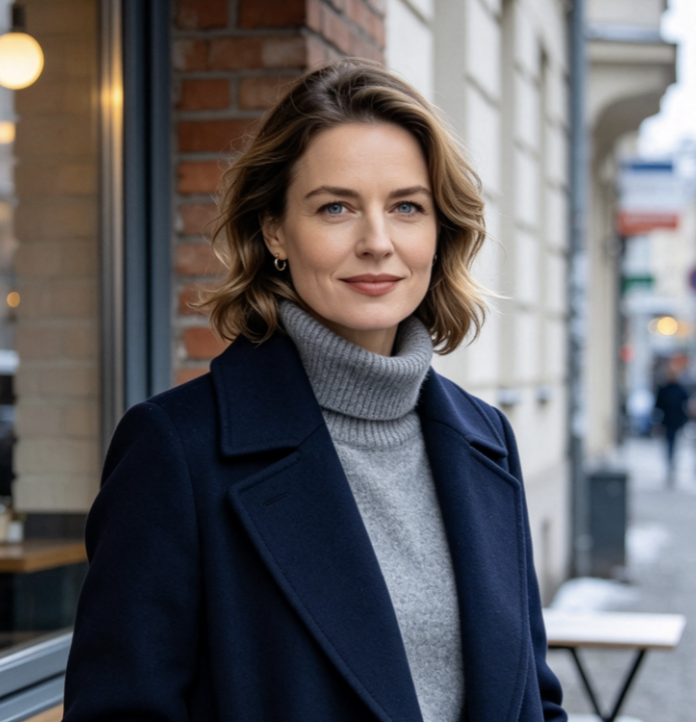
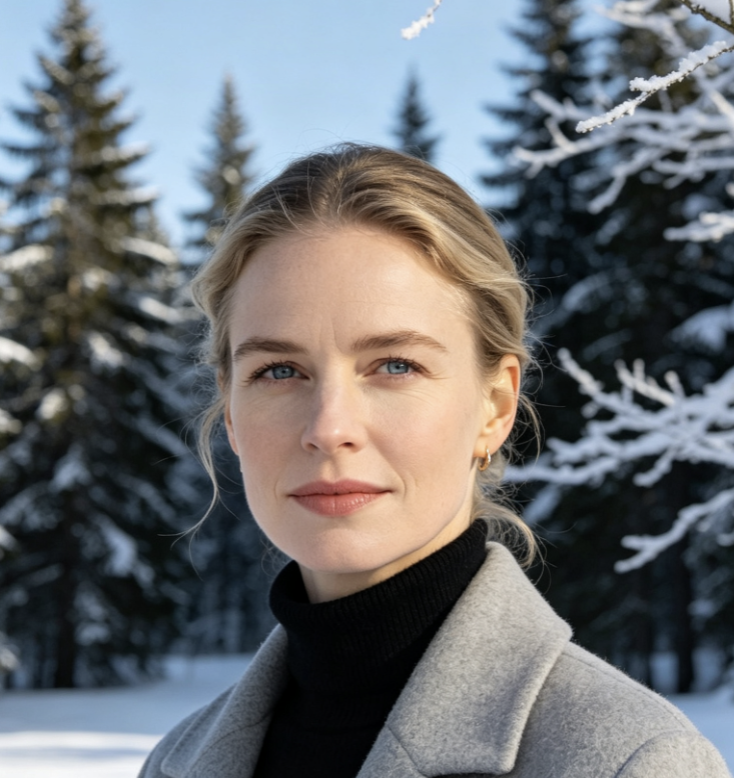
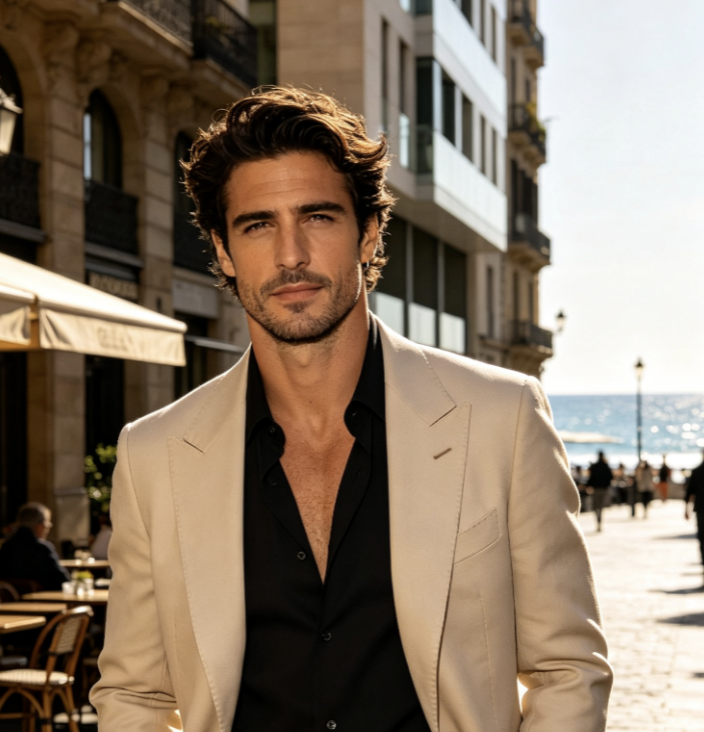
Start by choosing a person from your assets or uploading a JPG or PNG as the First Frame Image. Use a clear portrait with the face visible, natural lighting, and enough space around the head and shoulders. AI Spokesperson from Photo uses this image as the visual identity for AI Spokesperson Video. Add an End Frame only when you want to guide the closing image. A front-facing or slightly angled portrait usually gives AI talking avatar video generation clearer facial detail to animate.

2

2. Enter the Spokesperson Script and Choose Video Settings

Type the exact message into the Prompt box. Keep Generate Audio enabled when you want spoken delivery. Then review Aspect Ratio, Duration, Resolution, and Public Visibility before generation. AI Spokesperson Video Generator uses your script as the dialogue direction, so write complete sentences with punctuation that reflects the intended pace. AI talking avatar video works best when the script fits the selected duration instead of forcing too many words into a short clip.

3

3. Click Generate Video and Review the Delivery

Click Generate Video to create AI Spokesperson Video from the selected image and script. Review pronunciation, lip movement, facial expression, eye contact, and whether the delivery feels natural for the message. AI spokesperson video online generation can produce slightly different performances each time, so regenerate when you want a different rhythm or expression. AI talking avatar video makes it easy to test another take without recording a person again.

What AI Spokesperson Video Helps You Create

AI Spokesperson Video focuses on a practical result: turn a selected character image and a written message into a presenter-led video. AI Spokesperson Video Generator supports speaking portraits, short explainers, announcements, introductions, and repeatable content formats. AI talking avatar video is useful when you want clear verbal delivery without building a complex scene around the presenter.

Turn One Portrait Into a Speaking Presenter

Turn One Portrait Into a Speaking Presenter

A still portrait can become the starting point for AI Spokesperson Video without filming a new talking-head clip. AI Spokesperson from Photo keeps the chosen face and appearance at the center while adding speech, blinking, subtle expression changes, and restrained head or hand motion. AI talking avatar video is especially useful for creators who have a suitable image but no matching recorded performance. This workflow gives that image a clear speaking role instead of adding unrelated scene action.

Deliver Product, Tutorial, and Announcement Scripts

Deliver Product, Tutorial, and Announcement Scripts

Use AI Spokesperson Video when the message matters more than complex scene changes. A presenter can introduce a product feature, explain a process, share an update, welcome viewers, or deliver a short educational script. AI Spokesperson Video Generator turns written copy into spoken presentation, while AI talking avatar video keeps attention on the speaker. For repeated content formats, AI spokesperson video generator online makes it practical to create new versions by changing the script instead of planning another shoot.

Create Consistent Presenter Content Without Refilming

Create Consistent Presenter Content Without Refilming

When several videos need the same presenter, reuse a suitable character image and change only the script. AI Spokesperson Video can support recurring explainers, social updates, training snippets, FAQ clips, and campaign variations with a familiar visual identity. AI Spokesperson from Photo reduces the need to schedule repeated camera sessions. AI talking avatar video also helps teams test different wording quickly. AI spokesperson video online makes short presenter-led content easier to update when information changes. AI Spokesperson Video keeps the update centered on a familiar presenter.

Why Use AI Spokesperson Video for Presenter-Led Content

AI Spokesperson Video reduces the gap between having a portrait, having a script, and seeing how the message could look on camera. AI Spokesperson Video Generator turns those inputs into a reviewable speaking performance. This approach can support content teams, educators, marketers, and creators who need presenter-led clips without recording every revision from scratch.

Start From the Person You Want Viewers to See

Start From the Person You Want Viewers to See

AI Spokesperson from Photo gives you direct control over who appears on screen. Choose a portrait that already matches the intended role, tone, or audience, then use AI Spokesperson Video to turn that visual reference into a speaking performance. AI talking avatar video can work for professional presenters, friendly hosts, educators, fictional characters, or stylized portraits. This presenter workflow keeps the visual starting point separate from the words you want delivered.

Change the Message Without Recording Another Take

Edit the script when a price, feature, instruction, introduction, or campaign line changes. AI Spokesperson Video lets you generate a new delivery from updated text rather than arranging another recording session. AI talking avatar video is useful for content that changes often or needs several wording tests. AI spokesperson video generator online turns revision into a script-first task, which can shorten the path from updated copy to a new presenter clip.

Keep Attention on Spoken Information

Some messages work better with a person speaking directly to viewers than with fast scene changes. AI Spokesperson Video keeps the presenter and script central, making it suitable for explanations, onboarding, updates, and short educational content. AI talking avatar video adds facial movement and voice to the message without requiring elaborate action. AI Spokesperson Video Generator can therefore support content where clarity, pacing, and a visible speaker matter more than cinematic complexity.

Test Different Presenter Styles From the Same Script

A message can feel different depending on who delivers it. Use AI Spokesperson Video with different character images to compare tone, presence, and audience fit while keeping the script consistent. AI Spokesperson from Photo makes those presenter tests easy to organize. AI talking avatar video can help you compare a formal host, casual creator, instructor, or character-led approach. AI spokesperson video online gives each concept a visible performance instead of leaving the decision at the storyboard stage. AI Spokesperson Video makes those comparisons easier to review.

Turn Short Scripts Into Reusable Content Formats

Build a repeatable format for weekly updates, quick tips, introductions, answers, or short lessons. AI Spokesperson Video can keep the visual setup familiar while each new script changes the content. AI talking avatar video is useful when consistency matters across a series. AI Spokesperson Video Generator Online lets the script become the main variable, and AI spokesperson video generator online can support fast iteration when several versions need to be reviewed.

Use Generated Audio as Part of the Performance

Use Generated Audio as Part of the Performance

Keep Generate Audio enabled when you want the presenter to speak the entered script. AI Spokesperson Video combines visible facial performance with spoken delivery, so pronunciation, pacing, and lip movement can be reviewed together. AI talking avatar video works best when the script is concise enough for the selected duration. The generation process uses text as the core dialogue direction, helping the final clip feel like one complete presenter performance rather than silent character animation.

How Creators Use AI Spokesperson Video

Creators use AI Spokesperson Video for updates, explainers, lessons, onboarding, social clips, and presenter tests. AI Spokesperson Video Generator gives each script a visible delivery, while AI talking avatar video helps teams judge pacing and presentation before publishing or producing additional versions.

Content Marketing

I used AI Spokesperson Video for a short feature announcement that kept changing during review. Updating the script was much easier than arranging another recording. AI Spokesperson Video Generator gave me several takes to compare, and AI talking avatar video kept the result focused on the message instead of distracting scene changes.

Maya R.
Maya R.
Content Marketer
Course Creator

AI Spokesperson from Photo worked well for short lesson intros. I selected one presenter image, entered a concise script, and generated each clip with the same visual direction. AI Spokesperson Video made the series feel more consistent, while AI talking avatar video helped me turn small text updates into new presenter segments quickly.

Jordan K.
Jordan K.
Course Creator
Social Video

I wanted to compare two presenter styles before choosing a direction. AI spokesperson video online let me test the same script with different images, and AI Spokesperson Video Generator Online made each version straightforward to produce. AI talking avatar video gave us something concrete to review instead of discussing static mockups. AI Spokesperson Video made the presenter choice easier to judge.

Elena V.
Elena V.
Social Video Producer
Product Education

For quick onboarding clips, AI Spokesperson Video gave me a simple image-to-script workflow. I could shorten the copy, generate another take, and compare pacing immediately. AI Spokesperson Video Generator was most useful when one sentence needed revision. The result kept the speaker visible and the explanation easy to follow.

Noah T.
Noah T.
Product Educator

AI Spokesperson Video Questions

Get quick answers about choosing a portrait, writing a script, enabling speech, selecting duration, and creating AI Spokesperson Video from a still image. These answers also explain how AI talking avatar video and AI Spokesperson from Photo fit the same presenter-focused workflow.

AI Spokesperson Video turns a selected or uploaded character image and written script into a speaking presenter clip with generated voice and facial performance.

Go from one portrait and one script to a speaking presenter video

Turn Your Script Into AI Spokesperson Video

Choose the character you want on screen, write what the presenter should say, and create AI Spokesperson Video in a guided workflow. AI Spokesperson Video Generator connects the portrait, script, generated speech, and visible performance in one result. AI Spokesperson from Photo makes existing character images usable for presenter content, while AI talking avatar video helps you turn updated copy into another speaking take. Try AI spokesperson video online when you need a fast way to visualize presenter-led content.

Select or upload a First Frame Image
Enter the exact spokesperson script
Generate a speaking presenter with audio