Loading workspace...

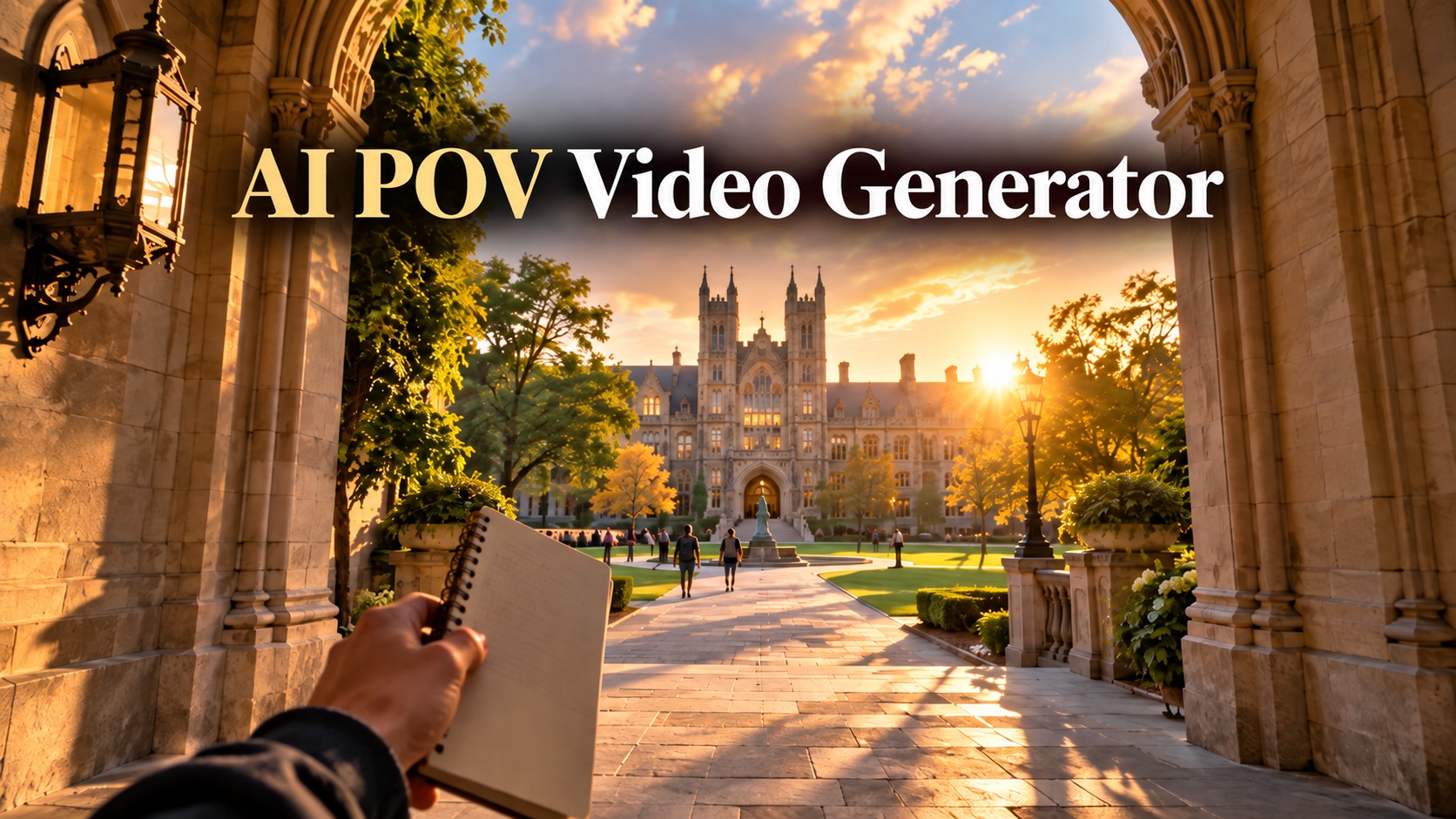
Create Immersive First-Person Videos From Text or Images AI POV Video Generator

Turn a written scene or optional reference image into an immersive first-person experience with AI POV Video Generator.

AI POV Video Generator creates first-person videos that feel as if the viewer is inside the scene. Describe an action, place, and atmosphere, or add an optional reference image to guide the setting. First Person POV Video Generator keeps the camera at eye level while generating natural movement, hands, interactions, and continuous scene progression.

Describe the first-person experience you want
Add a reference image when a specific scene matters
Generate with AI POV Video Generator in one workflow
Hero image
AI POV Video Generator

How to Use AI POV Video Generator

AI POV Video Generator uses three steps: describe a first-person scene or add an optional image, click Generate, then review the result. Use Text to POV Video Generator for a scene created from scratch, or POV Video Generator from Image when a specific environment should guide the video.

1

1. Enter a Prompt or Add a Reference Image

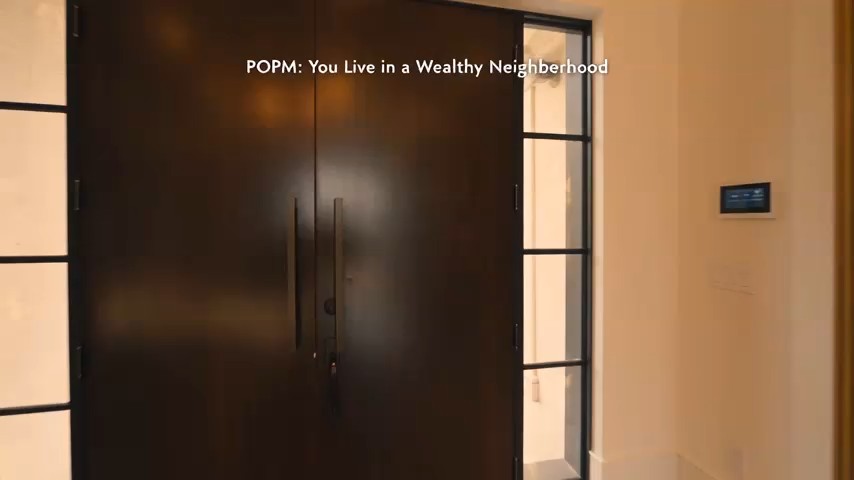
Start AI POV Video Generator by describing the viewer's location, action, movement, and atmosphere. Text to POV Video Generator works for ideas such as walking through a night market, opening a cabin door, or waking in a historical room. AI POV Video Generator also accepts an optional image. POV Video Generator from Image uses it to guide the environment, mood, composition, and starting frame.

2

2. Click Generate

Click Generate when the prompt is ready. AI POV Video Generator interprets the scene as a first-person experience instead of filming the protagonist from outside. First Person POV Video Generator places the camera where the viewer's eyes would be. AI POV Video Generator can add natural head-level motion, walking, looking around, reaching, opening, or touching when those actions fit the prompt.

3

3. Review Your POV Video

Preview the result and check the perspective, movement, and scene. AI POV Video Generator Online lets you revise the prompt for slower walking, steadier motion, clearer hand interaction, or a different camera path. First Person POV Video Generator Online helps you try another interpretation without rebuilding the idea. AI POV Video Generator also benefits from explicit directions about what the viewer sees, touches, or approaches.

What AI POV Video Generator Helps You Create

AI POV Video Generator focuses on three practical needs: staying in first person, translating written actions into movement, and grounding a scene with an optional image. First Person POV Video Generator supports both original scenarios and visually directed clips, while AI POV Video Generator keeps attention on what the viewer experiences.

Stay Inside the Scene With True First-Person Framing

Stay Inside the Scene With True First-Person Framing

POV generation works best when the camera stays inside the character's experience. AI POV Video Generator is built around that goal. First Person POV Video Generator treats the camera as the viewer's eyes instead of cutting to an external protagonist. With AI POV Video Generator, hands or arms can appear when naturally visible while the face stays outside the shot. AI POV Video Generator suits exploration, routines, action moments, and story clips that depend on believable first-person framing.

Turn a Written Scenario Into a POV Experience

Turn a Written Scenario Into a POV Experience

You do not need a source photo to begin. Text to POV Video Generator can build setting, action, movement, and mood from a written idea. Describe what happens from the viewer's position, such as entering a futuristic station or reaching for a cup. First Person POV Video Generator turns those instructions into a continuous point-of-view sequence. AI POV Video Generator Free searches often reflect the need to test short first-person concepts quickly.

Use an Image to Ground the Setting

Use an Image to Ground the Setting

When a specific location or visual style matters, AI POV Video Generator can begin from a reference image. POV Video Generator from Image uses the picture to guide layout, lighting, colors, mood, and starting composition while the prompt controls action. AI POV Video Generator can turn a still bedroom, street, kitchen, or fantasy corridor into a moving first-person scene. AI POV Video Generator keeps the workflow tied to the visual setup you already chose.

Why Use AI POV Video Generator

AI POV Video Generator helps creators keep the camera inside the scene, guide visible interactions, create from text, animate a reference environment, and refine motion through prompt changes. First Person POV Video Generator is useful when feeling present matters more than showing a protagonist from outside.

Keep the Camera at the Viewer's Eye Level

AI POV Video Generator is designed for scenes where viewpoint matters as much as action. First Person POV Video Generator places the camera inside the experience rather than outside the character. AI POV Video Generator can direct forward movement, natural turns, glances, and interactions while keeping attention on what the viewer would realistically see from eye level.

Guide Hands and Object Interaction

POV scenes feel more convincing when the viewer interacts with the environment. AI POV Video Generator can follow prompts for reaching, opening, picking up, or touching objects while moving. First Person POV Video Generator keeps those actions inside the camera-centered scene. AI POV Video Generator responds best to clear verbs that explain when hands appear and what they do.

Build POV Stories From Text Alone

AI POV Video Generator Online can create a scene without a photographed starting point. Use Text to POV Video Generator to define where the viewer is, what happens first, and where the camera moves. First Person POV Video Generator can interpret historical settings, fantasy worlds, modern streets, routines, or suspense scenes. AI POV Video Generator works best with visible actions rather than a broad theme alone.

Turn a Still Environment Into a Moving Experience

POV Video Generator from Image is useful when you already have the atmosphere you want. Upload an interior, street, illustration, or concept scene, then describe what the viewer should do inside it. AI POV Video Generator anchors important visual details while generating motion. First Person POV Video Generator Online can test the same setting with different actions and camera paths.

Create Social POV Concepts Without Filming Yourself

AI POV Video Generator can create a first-person clip without requiring you to record the camera movement yourself. First Person POV Video Generator works for concepts such as waking in another era, entering a fictional world, or showing a routine from the viewer's perspective. People searching for Free AI POV Video Generator options often want to test a short concept. Free AI POV Video Generator searches also overlap with quick social video experiments.

Refine Motion Without Rebuilding the Whole Idea

A POV clip can feel wrong even when the setting looks right. AI POV Video Generator lets you adjust pace, direction, hand movement, interaction, or action order. With AI POV Video Generator Online, you can revise a few details and generate again. First Person POV Video Generator Online is useful for steadier movement or clearer interaction. AI POV Video Generator Free searches often reflect the same need for fast testing.

What Creators Say About AI POV Video Generator

Creators use AI POV Video Generator for immersive stories, social concepts, visual experiments, suspense scenes, routines, and reference-based environments. First Person POV Video Generator helps keep the viewer inside the action, while AI POV Video Generator supports prompt changes when movement or interaction needs another pass.

Video Creator

I used AI POV Video Generator for a 'wake up in another era' concept. The most useful part was being able to describe exactly what I wanted the viewer to see first and where the camera should move next. First Person POV Video Generator kept the idea focused on the experience instead of turning it into a normal character shot.

Noah T.
Noah T.
Short-Form Video Creator
Story Creator

Text to POV Video Generator worked well for a suspense scene where the viewer walks down a hallway and slowly reaches for a door. AI POV Video Generator let me revise the pace without changing the whole concept. The second AI POV Video Generator version felt more immersive because the movement was calmer and the hand interaction happened at the right moment.

Lena M.
Lena M.
Story Creator
Concept Artist

I started with an environment image I had already designed. POV Video Generator from Image gave me a way to keep that setting as the visual reference while adding a first-person walk through it. AI POV Video Generator was useful because the prompt could explain what should move and what should stay visually close to the original scene.

Evan R.
Evan R.
Concept Artist
Content Creator

I was testing several first-person ideas for short clips, so AI POV Video Generator Free was a useful search starting point. What mattered most was being able to describe the viewpoint clearly. First Person POV Video Generator Online made it straightforward to try another version when the first camera path felt too fast.

Sofia K.
Sofia K.
Social Content Creator

AI POV Video Generator FAQ

Get quick answers about AI POV Video Generator, first-person prompting, text-based creation, reference images, camera perspective, and how First Person POV Video Generator handles immersive scene generation.

AI POV Video Generator creates video from the viewer's perspective. The camera acts like the viewer's eyes, so the scene is experienced from inside rather than shown as an external character shot.

Use AI POV Video Generator to turn a written idea or reference scene into an immersive point-of-view experience

Create a First-Person Video From Your Next Idea

Start AI POV Video Generator with a prompt, or add an image when you want a specific visual starting point. AI POV Video Generator can build movement around what the viewer sees, while First Person POV Video Generator keeps the scene centered on eye-level perspective. Use AI POV Video Generator Online to explore another camera path, change the action, or refine the atmosphere, and use Free AI POV Video Generator searches to discover a fast way to test first-person concepts.

Generate a first-person scene from a prompt
Use an optional image to guide the environment
Refine camera movement and visible interactions