Loading workspace...

AI Clip Maker: Create Short Videos From Text or Images AI Clip Maker

Turn a simple idea or still photo into a focused moving scene with AI clip maker

AI clip maker transforms short descriptions and uploaded images into video moments. Build a playful character action, animate a meaningful detail in a photo, or create a cinematic scene for a social post. Generate text-led ideas and concise visual stories with clear action. Start with a scene, not a lengthy production plan.

Describe a scene or upload a picture
Choose the action you want to show
Generate, preview, and refine a short clip
Hero image
Free AI Clip Maker

How to Use AI Clip Maker

AI clip maker follows a simple three-step process: describe your clip or upload a picture, click Generate, then preview and refine the result. No complex editing timeline is required for a new AI-generated scene. Free AI clip maker online provides an approachable starting point for exploring short motion ideas, while AI video clip generator and AI short video generator respond to the creative direction you provide.

1

1. Enter a Prompt or Upload an Image

Begin with AI clip maker by describing a subject and action, such as a paper boat crossing a rainy street. You can also upload an image and name the movement you want. AI video clip generator turns short descriptions into scene direction, while AI short video generator keeps the action suited to a brief moment. A specific prompt gives AI clip maker a clearer goal than unrelated effects.

2

2. Click Generate

Once the prompt or image is ready, click Generate. AI clip maker develops a moving scene from your direction. For text, AI video clip generator interprets the setting, motion, and camera. For an image, AI short video generator follows the visible reference and requested action. You can create AI video clips online without building individual frames. Give AI clip maker one priority, such as a wave, a glance, or a camera reveal.

3

3. Preview and Refine Your Clip

Preview the result and check its subject, movement, and framing. If the camera distracts from the scene, give AI clip maker a clearer instruction. AI video clip generator lets you compare alternative scene descriptions, while AI short video generator keeps each revision concise. You can generate short video clips with AI to test different moods or actions. Once AI clip maker reflects the idea you wanted, download the clip.

What Can You Create With AI Clip Maker?

AI clip maker supports three practical creative routes: generate a scene from words, animate a photo, or shape a short social or cinematic moment. AI video clip generator helps turn descriptions into visible action, while AI short video generator keeps ideas centered on a brief, coherent event. Free AI clip maker is most useful when you want to explore a new scene rather than edit an existing long video.

Turn One Written Idea Into a Moving Scene

Turn One Written Idea Into a Moving Scene

AI clip maker starts with a simple subject, action, and place: a skater landing a jump, curtains moving in a breeze, or a robot exploring a greenhouse. AI video clip generator builds a moving interpretation without asking you to plan each frame. AI short video generator suits one clear action with a beginning and ending. Use AI clip maker to test whether an imagined moment works on screen before developing a longer story. A simple way to start is to describe what changes between the first and last frame. This gives the shot a direction without introducing extra scenes.

Animate a Photo Without Losing Its Main Idea

Animate a Photo Without Losing Its Main Idea

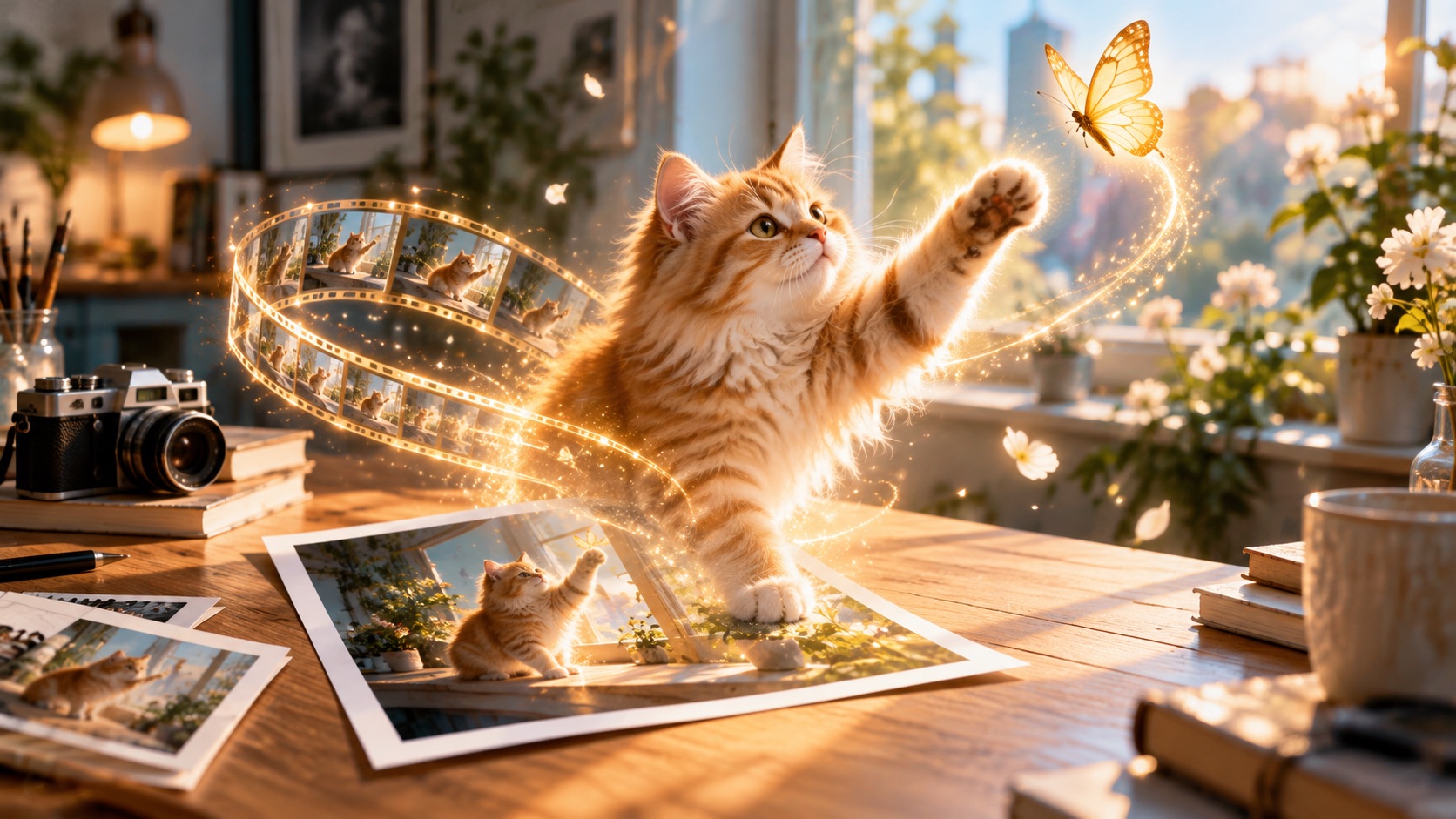
Upload a portrait, pet photo, or illustration, then use AI clip maker to guide its movement. Request a smile, drifting clouds, or a gentle camera push. AI video clip generator takes the image as visual guidance, while AI short video generator works best when the action matches the source. Say which details should remain recognizable and what should move. AI clip maker keeps your image as the starting point for experimenting. Review the outcome for unexpected visual changes. For portraits, small expressions may feel more intentional than a dramatic pose change. With illustrations, focus on one movable element, such as fabric, hair, or light.

Create Focused Social Clips and Cinematic Moments

Create Focused Social Clips and Cinematic Moments

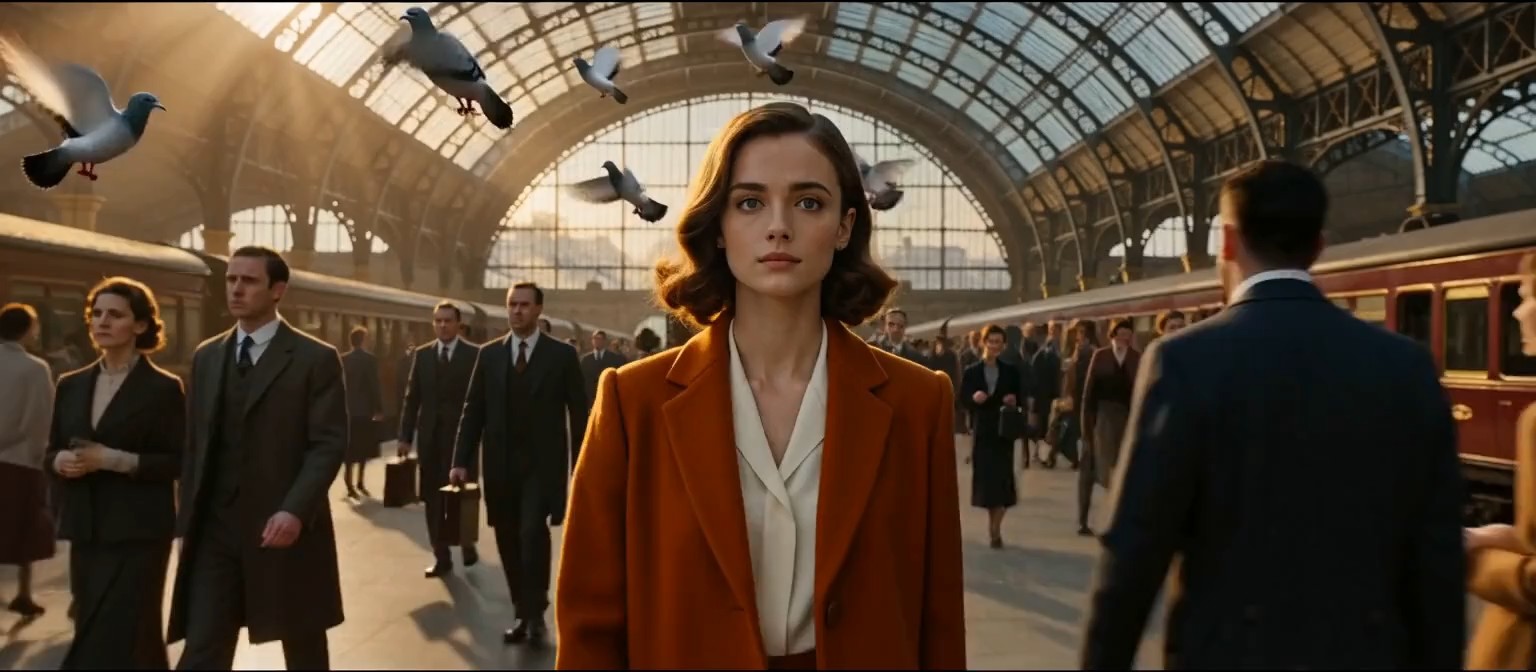
AI clip maker helps develop visual hooks, scene transitions, and character moments for short-form storytelling. Describe the main subject, opening action, and intended feeling. AI video clip generator interprets camera movement and environment; AI short video generator keeps the action concise. You can create AI video clips online for social posts, story experiments, or atmospheric shots. AI clip maker generates new scenes rather than automatically extracting highlights from uploaded long videos. Treat these clips as visual building blocks: one establishing moment, one reaction, or one striking transition. Add sound, captions, or sequencing later only if your project needs them.

Why Choose AI Clip Maker for Short Video Ideas?

AI clip maker keeps creative attention on the action that matters. Whether you begin with a photo or a sentence, AI video clip generator helps interpret subject movement, camera direction, and atmosphere. AI short video generator suits visual hooks and brief story beats. Free AI clip maker online gives you room to try concise ideas, compare results, and improve the description before moving on to a larger project.

Make One Clear Action the Center of the Clip

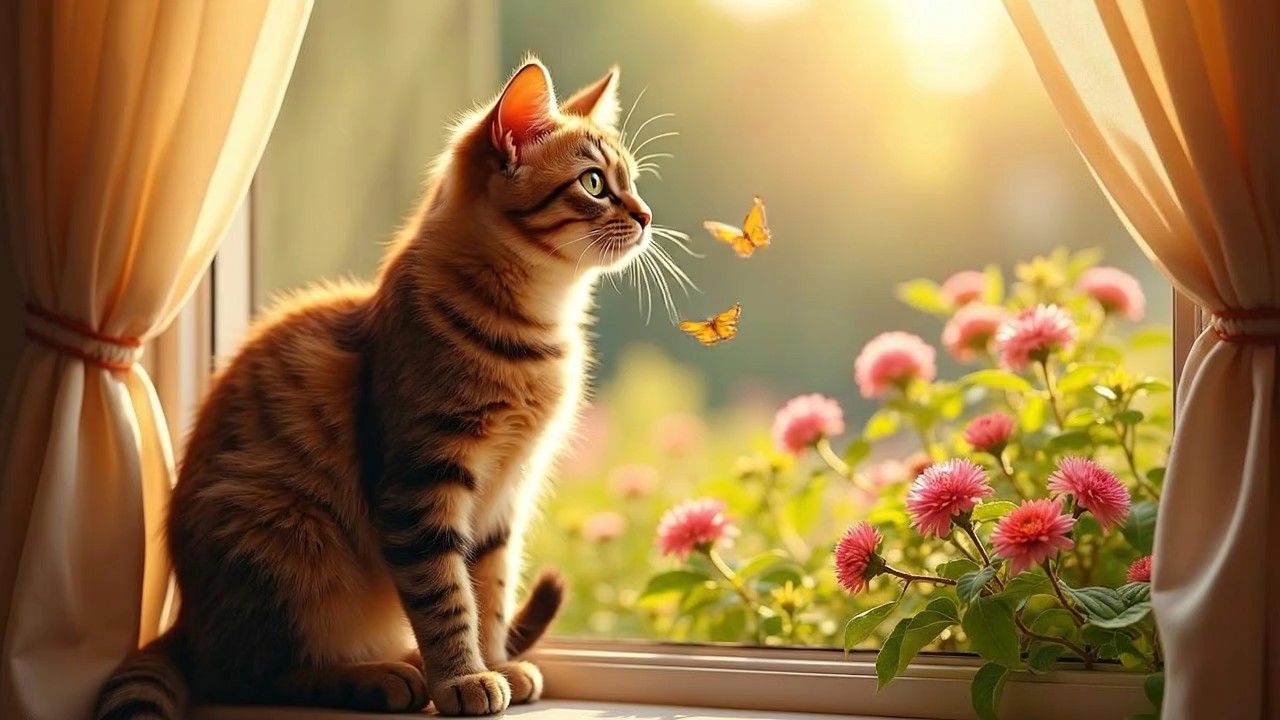
AI clip maker lets you center one action: a kitten looking out a window or a cyclist passing beneath an arch. AI video clip generator adds surroundings without replacing the main event. AI short video generator suits an idea viewers can understand at a glance. Ask AI clip maker to keep attention on the subject and avoid unnecessary background movement. The result has a clearer visual focus, even when seen quickly.

Give Static Images a Sense of Time

AI clip maker gives still images a short sense of time. Try a portrait nod, drifting clouds, or steam rising from a cup. AI video clip generator draws on the source image as a visual foundation, while AI short video generator can concentrate motion on one detail. If an object changes unexpectedly, use AI clip maker again with explicit instructions to preserve it.

Direct Camera Movement to Support the Story

AI clip maker interprets slow push-ins, tracking shots, gentle orbits, and fixed camera views. AI video clip generator connects movement to the subject and setting instead of adding random motion. AI short video generator makes framing especially important when the scene is brief. Use AI clip maker to decide whether viewers should follow a character, discover a location, or observe an action from one position.

Try Distinct Moods With Small Prompt Changes

AI clip maker helps change the atmosphere without replacing your subject. Try warm daylight, theatrical shadows, a cloudy morning, or a hand-drawn visual mood. AI video clip generator interprets those cues, while AI short video generator keeps the same central action across variations. You can generate short video clips with AI to compare pacing, color, and emotional tone. AI clip maker lets you refine the mood once a promising idea starts taking shape.

Build Short-Form Content Around a Visual Hook

AI clip maker can build an opening around a visual hook: an umbrella opening or a character discovering something unexpected. AI short video generator makes the action recognizable without lengthy setup. AI video clip generator adds camera and setting details while preserving the central event. Use AI clip maker for social-ready visual drafts, introductions, or standalone scenes. Publishing, captions, and additional editing remain separate choices.

Experiment Without Building Every Frame

AI clip maker makes it easier to test a motion idea without drawing every frame. Should a character walk toward the light, or should the camera move instead? AI video clip generator explores either direction, and AI short video generator keeps comparisons manageable. You can create AI video clips online to assess pacing and staging. AI clip maker still depends on thoughtful prompts and careful review.

Creative Ideas Made With AI Clip Maker

From animated illustrations to short story openings, AI clip maker offers a simple way to explore new visual moments. AI video clip generator supports scene direction from words or images, and AI short video generator helps keep each attempt focused. Different creative goals call for different decisions about motion, atmosphere, and framing. Results depend on prompts and source material.

Content Creator

AI clip maker helped me turn a sentence about a train arriving at dawn into a focused moving scene. AI short video generator was most helpful when I kept the prompt to one clear action and adjusted the camera direction on my second attempt.

Olivia Chen
Olivia Chen
Content Creator
Illustrator

AI clip maker gave me a way to explore movement without redrawing the entire composition. AI video clip generator responded better when I told it which facial and clothing details mattered most.

Daniel Foster
Daniel Foster
Illustrator
Video Storyteller

AI clip maker worked better after I reduced it to a single reveal. I used AI short video generator to explore the pacing, then added the result to a larger project alongside my own editing.

Maya Brooks
Maya Brooks
Video Storyteller
Creative Student

I used AI clip maker for a class concept featuring a small paper spaceship. AI video clip generator helped me explore a slow tracking shot, and I refined the background details after reviewing the first result.

Ethan Rivera
Ethan Rivera
Creative Student

AI Clip Maker FAQ

Find quick answers about prompts, photo animation, and social-ready ideas. AI clip maker creates original scenes from different kinds of creative guidance. When you generate short video clips with AI, precise action and camera instructions can make revisions easier.

AI clip maker creates short video scenes from written prompts or uploaded images. AI video clip generator interprets the subject and action; AI short video generator keeps the result focused on a brief moment.

Turn a simple idea or still image into a video moment worth watching

Create Your Next Short Scene With AI Clip Maker

Start AI clip maker with a subject, an action, or a picture you want to animate. AI video clip generator can develop your description into moving imagery, while AI short video generator keeps the scene centered on a brief event. Explore free AI clip maker for initial ideas, use free AI clip maker online to test another direction, or create AI video clips online from a new prompt. AI clip maker makes experimentation simple: describe, generate, review, and refine.

Generate a clip from a short description
Animate a still image with guided movement
Explore social and cinematic scene ideas