Loading workspace...

Turn Character Images Into Moving Performances Motion Transfer AI

Copy movement from a reference video to one or two characters with AI Video Motion Transfer

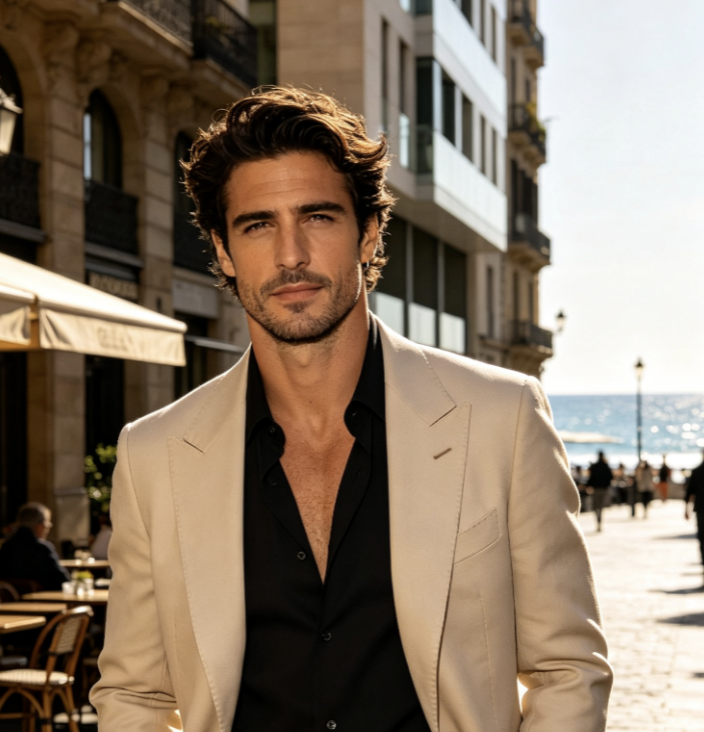
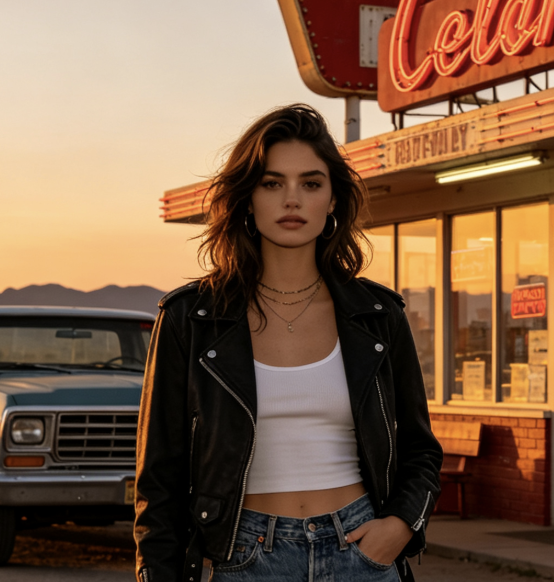
Upload one or two character images with a reference video. Motion Transfer AI follows the source movement, timing, gestures, and interaction while keeping each character consistent. Add an optional prompt for the scene, style, camera movement, or effects, then generate a new video. AI Motion Transfer keeps the workflow focused on visible reference movement.

Upload images and a motion reference
Create a motion transfer ai video
Start with a simple guided workflow
Hero image
Motion Transfer AI

How to Use Motion Transfer AI

Add one or two character images and one reference video, generate, and receive the result. AI Motion Transfer uses the images for appearance and the video for movement, so every pose does not need a written description. AI Video Motion Transfer keeps the process direct.

1

1. Upload Character Images and a Reference Video

Upload one character image for a solo result or two images for an interaction. Add the video containing the movement to reproduce. Motion Transfer AI uses each image as an appearance reference and the video as the motion guide. For clearer AI Video Motion Transfer, choose images with visible faces, clothing, and body detail. AI Motion Transfer benefits from references with clearly separated subjects.

2

2. Add Optional Instructions and Generate

Use the prompt only to change the setting, visual style, camera movement, or effects. Motion Transfer AI already understands that the uploaded video supplies the action. Review the controls, then click Generate. AI Motion Transfer combines your references with optional direction. AI Video Motion Transfer applies the action while using your text as added creative guidance.

3

3. Receive Your Motion-Driven Video

Wait for Motion Transfer AI to create a result from the uploaded references. One character follows the source movement, while a two-character setup aims to preserve both roles and their interaction. Review motion, consistency, and timing, then generate another version when needed. AI Motion Transfer may produce different interpretations, so compare results for the strongest take.

What Motion Transfer AI Helps You Create

Motion Transfer AI is for creators who already have a movement reference but want different characters to perform it. Instead of animating every pose, AI Motion Transfer turns a reference video into direction for a new result. The three uses below focus on practical outcomes. AI Motion Transfer keeps that reference-led process accessible.

Animate One Character From a Real Performance

Animate One Character From a Real Performance

Upload a portrait or full-character image with a solo reference video. Motion Transfer AI converts movement, rhythm, gestures, and visible expression into a new character performance. AI Video Motion Transfer keeps the source action as the guide while the image defines who appears. A motion transfer ai video can begin with a still character. Creators comparing motion transfer ai free online options can judge whether the copied performance matches their idea.

Rebuild Two-Person Choreography With New Characters

Rebuild Two-Person Choreography With New Characters

Add two character images and a video showing two performers. Motion Transfer AI treats the images as separate appearance references and follows the source interaction. It can support face-offs, dances, greetings, routines, and staged action. AI Motion Transfer helps preserve who performs each side, while AI Video Motion Transfer carries their exchange into the generated scene. AI Motion Transfer is useful when both characters must react to each other.

Change the Scene Without Rewriting the Movement

Change the Scene Without Rewriting the Movement

Use the optional prompt to describe a new environment, visual treatment, camera idea, or effect while keeping the action central. Motion Transfer AI separates appearance from movement. AI Motion Transfer can move a studio reference into a cinematic alley, fantasy arena, stage, or illustrated setting. AI Video Motion Transfer stays guided by the uploaded clip, and AI Video Motion Transfer provides a reusable motion base for scene variations.

Why Creators Choose Motion Transfer AI

Motion Transfer AI gives the model a visible performance to follow, reducing guesswork and making the intended action easier to communicate. This explains why creators search for best motion transfer ai options instead of relying only on text prompts. It also matches AI Motion Control Video Generator intent. AI Video Motion Transfer supports the same reference-first approach.

Use Movement Instead of Describing Every Pose

Complex actions are difficult to explain with text alone. Motion Transfer AI lets the reference video show pace, direction, and gesture changes. AI Motion Transfer is useful for dance, sports-inspired movement, staged combat, and acting. A visual reference makes AI Video Motion Transfer easier to direct. For creators evaluating best motion transfer ai choices, this control is often decisive.

Support One or Two Character References

Motion Transfer AI adapts to your references. One image suits a solo performer, while two images can represent separate characters. AI Motion Transfer uses the video to guide their roles and interaction. This helps creators comparing free motion transfer ai tools that only support one subject. AI Video Motion Transfer keeps the performance central when the cast changes.

Keep Character Appearance Separate From Motion

Images define character appearance, while the video provides the performance. Motion Transfer AI follows the action without recreating the original performer. AI Video Motion Transfer lets fictional, illustrated, game-like, or original characters reproduce real movement while retaining their own face, clothing, colors, and style. AI Motion Transfer supports reinterpretation rather than duplication.

Direct Style and Effects With an Optional Prompt

The prompt is optional because the video already explains the movement. Use it to add atmosphere, camera behavior, scenery, or effects. Motion Transfer AI stays focused on the action while your prompt shapes presentation. This makes motion transfer ai free online workflows easier for beginners. People comparing motion transfer ai free online pages can begin without technical animation instructions.

Create Faster Tests From Existing Video Ideas

Motion Transfer AI helps test a new character concept from an existing reference clip. AI Motion Transfer can turn one movement source into several storyboard, social, or concept variations. People looking for motion transfer ai video free options often want this quick testing stage. AI Video Motion Transfer also helps teams review movement before polished production.

Guide Multi-Character Interaction More Clearly

Two-person movement depends on timing, distance, reactions, and choreography. Motion Transfer AI gives the generator one complete interaction instead of unrelated action descriptions. AI Video Motion Transfer supports paired dance, staged combat, greetings, and coordinated scenes. Both characters move as part of one event. This is why creators may prefer an AI Motion Control Video Generator built around uploaded references.

What Creators Say About Motion Transfer AI

These stories show how Motion Transfer AI fits solo animation tests and paired character scenes. Each reflects a practical way to use reference-led movement. AI Motion Transfer makes these uses possible without manual pose planning.

Character Artist

I used one illustrated character image and a dance reference. Motion Transfer AI gave me a clearer result than describing the choreography in text. AI Motion Transfer kept the movement recognizable, and I used the optional field only for the stage setting. It became my best motion transfer ai option for early studies.

Maya R.
Maya R.
Independent Character Artist
Video Creator

The two-image workflow was why I tried Motion Transfer AI. I uploaded two characters with a sparring reference, and AI Video Motion Transfer followed the exchange better than separate generations. It helped me test the scene quickly. AI Motion Transfer also kept the roles easier to distinguish.

Jordan K.
Jordan K.
Short-Form Video Creator
Storyboard Designer

I was searching for best motion transfer ai tools for storyboards. This workflow let me reuse one acting reference with several characters. Motion Transfer AI made the action understandable, while AI Motion Transfer gave me control over visual direction. I had tried free motion transfer ai pages before, but this was easier to direct.

Elena V.
Elena V.
Storyboard Designer
Social Creator

I first looked for motion transfer ai free online to test a trend with my character. The upload process was simple, and the reference clip did most of the directing. The final motion transfer ai video gave me a concept to refine. AI Video Motion Transfer kept the source timing recognizable.

Noah T.
Noah T.
Social Content Creator
Concept Animator

Free motion transfer ai searches often led to random movement. Here, the uploaded video remained the action source. Motion Transfer AI was practical for gesture studies, and AI Video Motion Transfer helped me compare the same performance across characters. It was one of the few motion transfer ai free online workflows that matched my reference.

Priya S.
Priya S.
Concept Animator

Motion Transfer AI Questions

Find concise answers about references, prompts, one-character and two-character generation, and common search terms such as motion transfer ai video free and AI Motion Control Video Generator. It also explains what creators usually mean by free motion transfer ai and best motion transfer ai searches.

Motion Transfer AI creates a new character video by using uploaded images for appearance and an uploaded video for movement. AI Motion Transfer can follow poses, timing, gestures, rhythm, and interaction without requiring you to animate each frame. AI Video Motion Transfer makes the source performance the central instruction.

Bring a reference performance to your own characters

Create Your Next Motion Transfer AI Video

Upload one or two character images and add the reference clip you want them to follow. Motion Transfer AI turns visible movement into creative direction, while AI Motion Transfer preserves each role and AI Video Motion Transfer carries timing, gestures, and interaction into a new scene. Add a short prompt for style or effects. When comparing free motion transfer ai or best motion transfer ai tools, test whether the generated action stays faithful to the uploaded clip.

One or two character images
Reference-led movement and interaction
Optional scene, camera, style, and effects prompt