


Window Peeper AI Caught Mid-Bite
One Photo, One Awkward Stare
Make a Window Peeper AI video from one photo: a burger, a lit apartment window and a stare that says you have been spotted. Choose a pet, an original character or yourself, then let the built-in reference guide the scene. Watch the real orange tabby example below before trying your own.
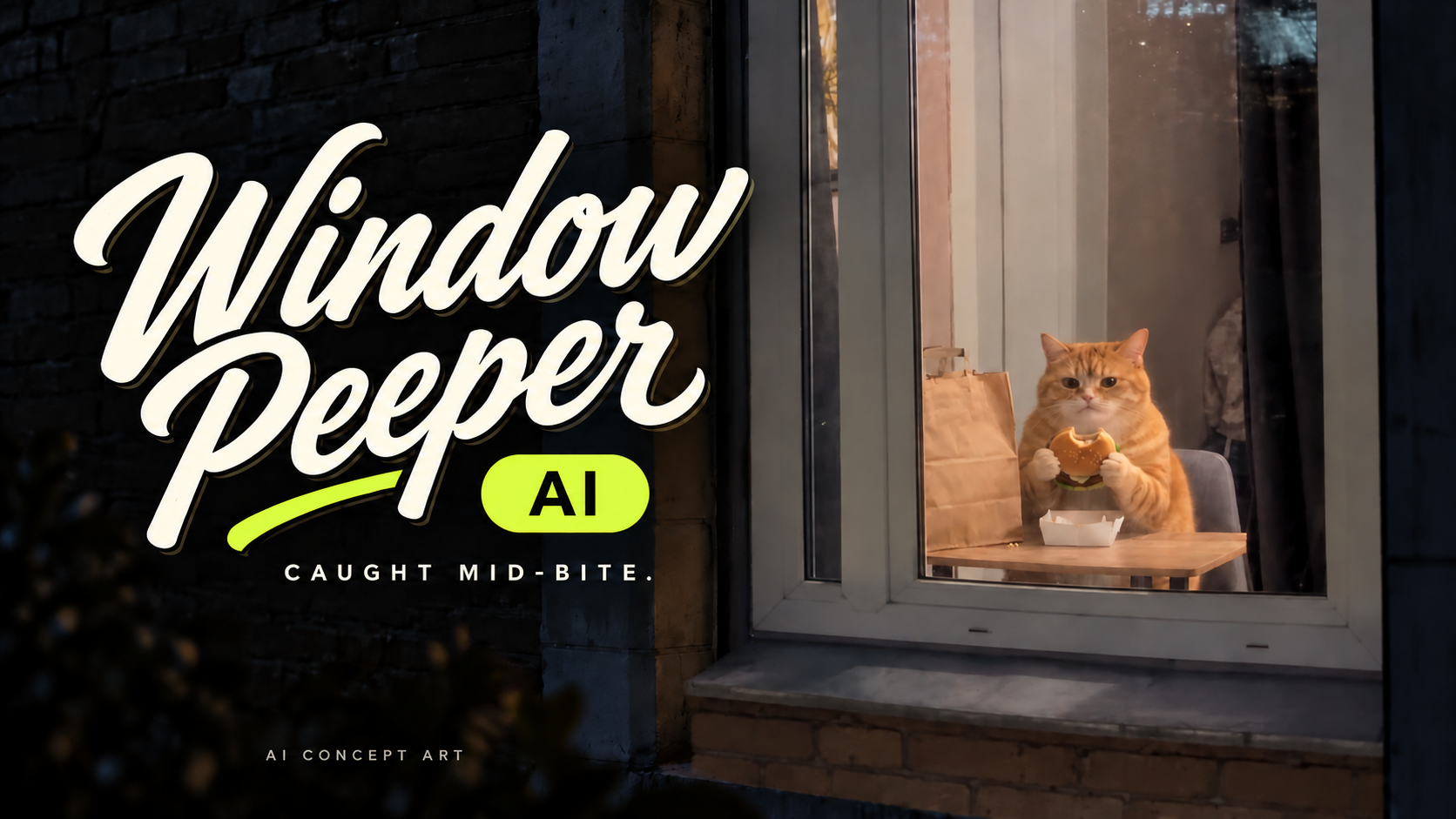
Watch The Window Peeper AI Effect
Looking for the window peeper effect you can actually recreate? Start with the finished clip, not just a poster. The joke comes from the pause between an ordinary snack and sudden eye contact with the camera outside.
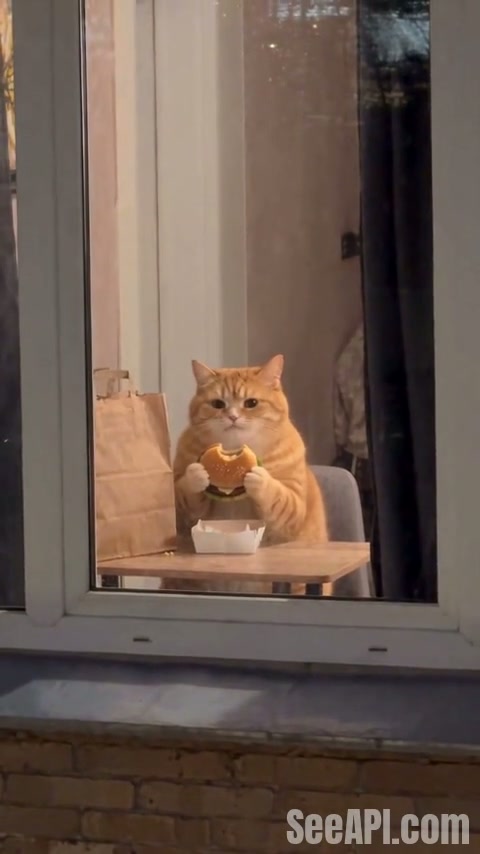
The Tabby Caught Mid-Bite
This orange tabby clip was generated on SeeAPI with Seedance 2.5, using the reference video already configured on this page and one cat image. The output is 480 x 854 pixels and approximately 13.7 seconds long, with audio enabled. Notice the gray window frame, takeaway bag, burger and camera position outside the glass. These details make the scene recognizable even when the subject changes. Your uploaded image supplies the new character; it does not need to reproduce the entire apartment.
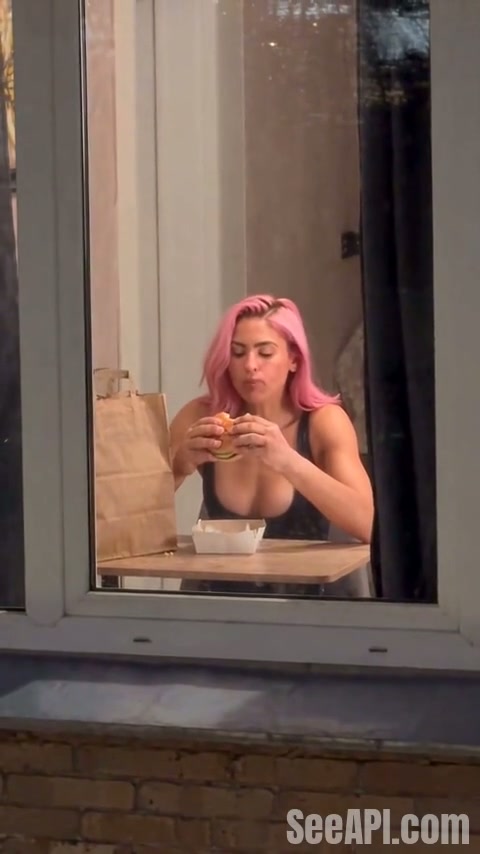
The Pink-Haired Window Stare
A pink-haired character brings a different contrast to the same window scene. Watch how hair color, expression and the pause change the joke of being spotted mid-bite, then use that contrast as inspiration for your own character.
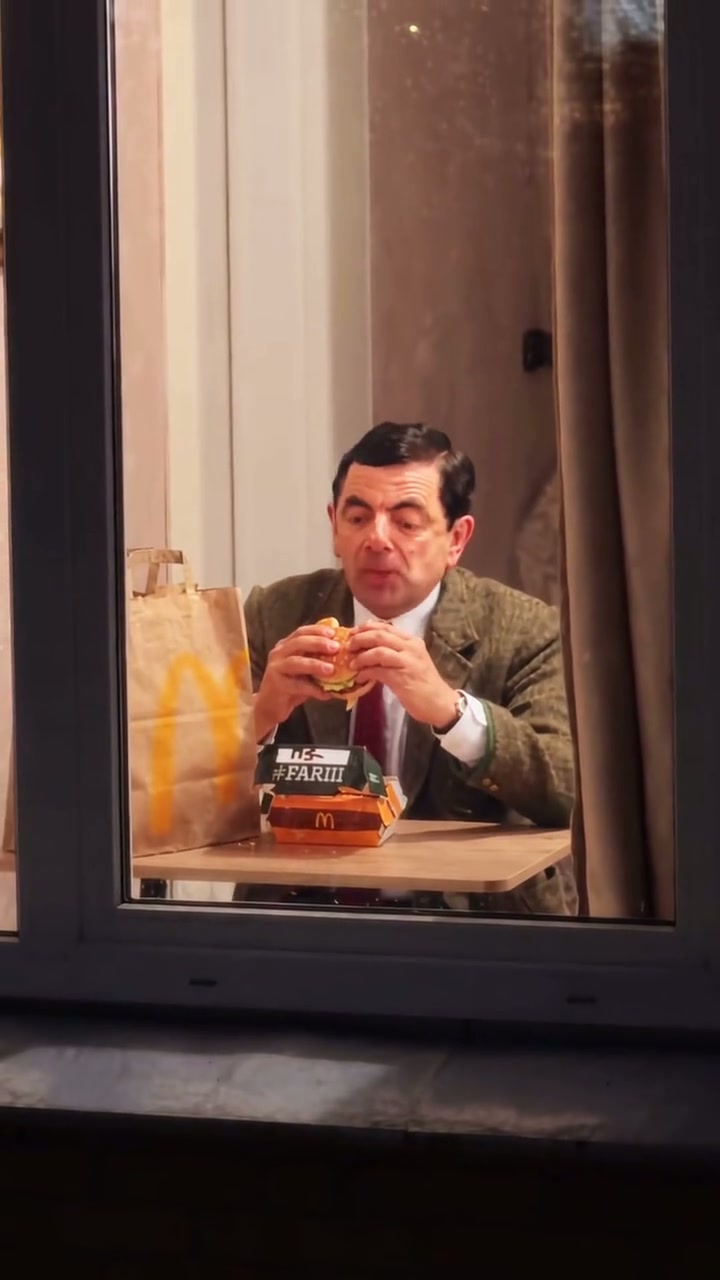
The Classic Window Stare
A suit, a burger and a perfectly serious stare create a classic comic contrast. Watch the pause before and after the character notices the camera: a restrained reaction can carry the awkward moment without exaggerated acting.
How To Make A Window Peeper AI Video
You do not need to film a window scene or assemble a timeline. The generator already includes the source video and a subject-replacement prompt. Your main decisions are who appears, which output settings to use and whether the result is ready to share.
Upload Your Subject
Add one image under Upload Your Photo. Choose a single clearly visible face, with enough detail to identify the eyes, mouth and distinctive features. For pets, keep both ears and the muzzle visible where possible. Avoid collages, group photos and faces hidden behind objects. A simple portrait is a practical starting point; you do not need to stage a burger photo yourself. Use an image you are permitted to upload.
Choose Your Settings
Select the resolution, then review Generate Audio and Public Visibility before submitting. The featured clip uses 480p, which lets you assess the joke and motion before considering another resolution. Check Required Credits for the current estimate rather than assuming every run costs the same. Keep Public Visibility off if you do not want the generated result listed publicly. The source scene and prompt are already supplied.
Generate Your Video
Select Generate Video once and follow the task under My Videos. The model uses your image as the subject reference while following the built-in video's setting and performance. Processing time can vary, so an estimate is not a completion guarantee. If the task is still running, check its status rather than submitting again. Repeated submissions can create separate chargeable tasks.
Review And Download
Play the full result before choosing Download options. Inspect the face during chewing and turning, the way the hands or paws hold the burger, and the final movement near the curtain. Keep the window frame in view when cropping for a social post: removing it can make the scene look like an ordinary indoor portrait. Download your preferred result and add any captions in your usual editor.
Why Choose Our Window Peeper AI Effect?
Spend your time choosing the character and the joke, not rebuilding the scene. The reference clip, motion instructions and examples are ready on one page.
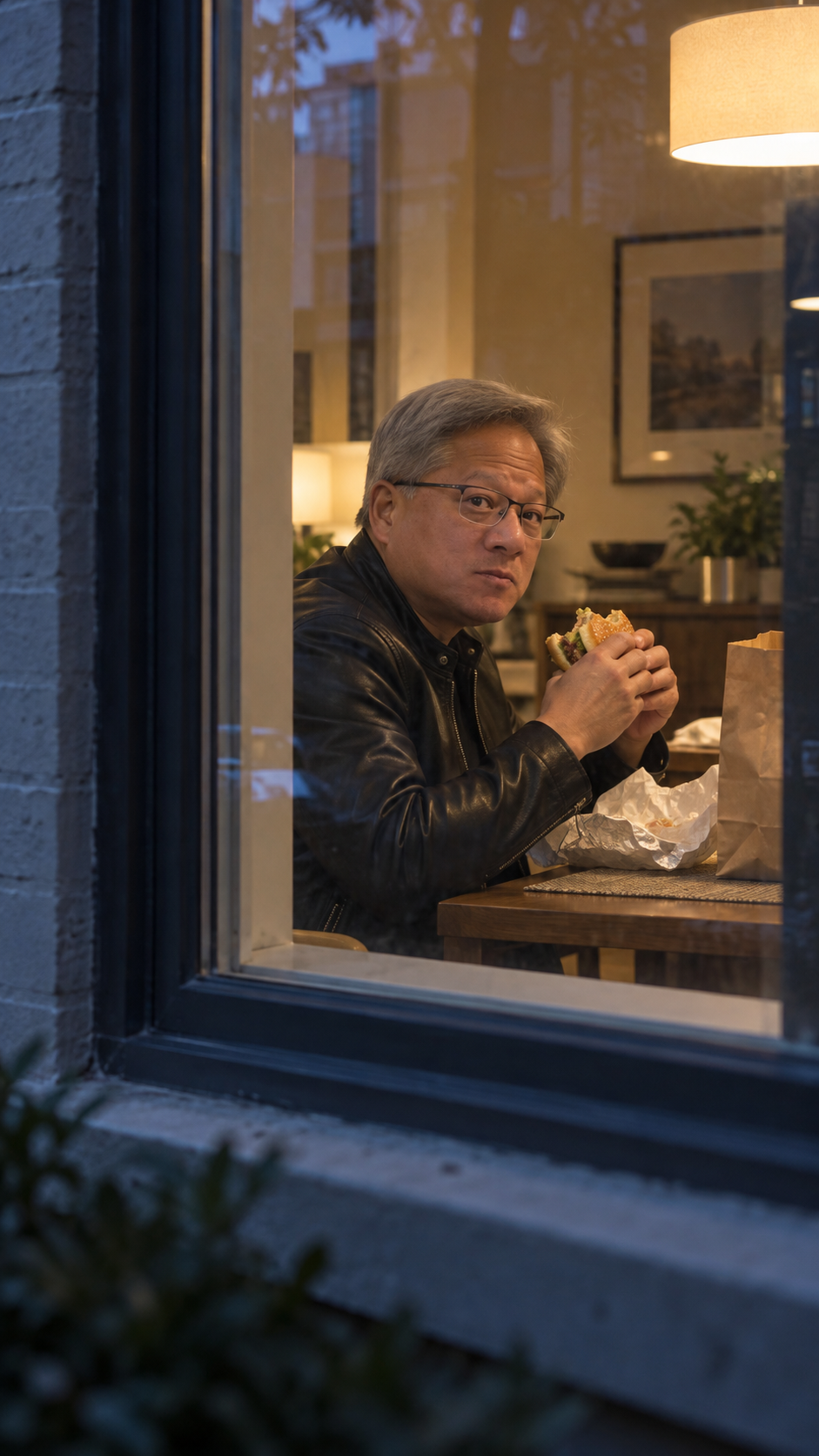
One Photo, Your Own Main Character
Start with your portrait, a pet photo or an original character image. There is no need to film someone eating a burger: your image supplies the character, while the built-in video supplies the window scene. Focus on the expression and contrast that make the joke yours.
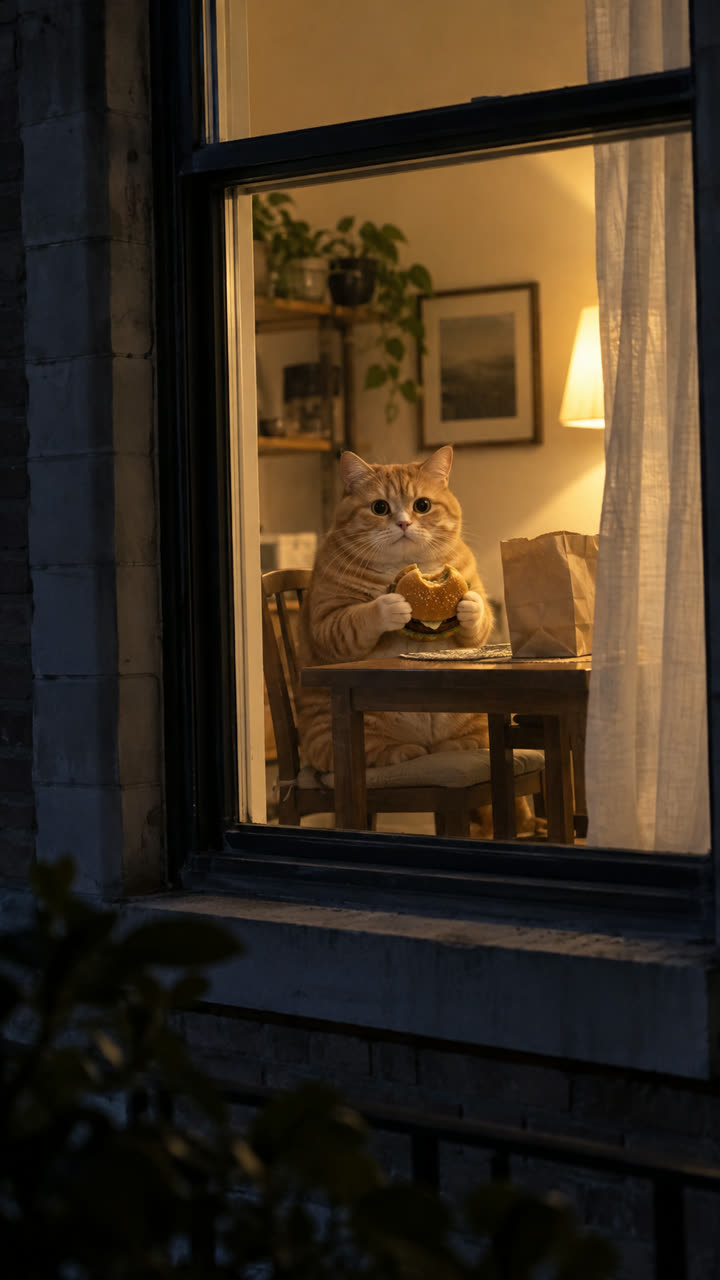
The Scene And Motion Are Ready
The outside approach, burger bite, camera discovery and curtain pull already have a video reference and configured prompt. You do not have to start from an empty prompt box or assemble several shots to set up the moment.
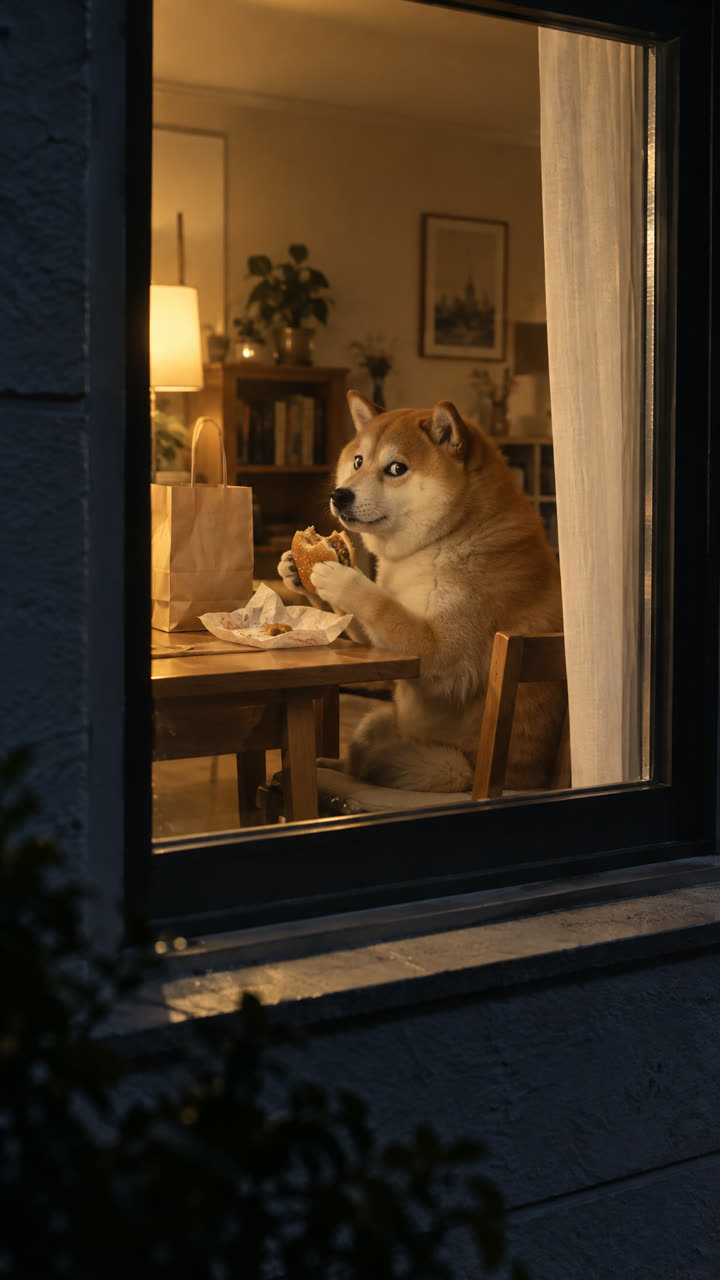
Watch The Effect Before You Create
Compare the tabby, pink-haired character and classic comic clip on this page. Watch the framing, expressions and pause before the reaction, then choose a source image with a clearer idea of the mood you want.
Ways To Use The Window Peeper Scene
A short setup and one clear reaction work better here than a complicated story. Choose a caption that complements the visual gag without covering the face or explaining every second.

Your Midnight Snack Alter Ego
Use your own portrait for a late-night snack joke. A caption such as "Me after saying I was going to bed" gives the scene context while the stare supplies the punchline. Leave a moment before the reaction so viewers can notice the burger and window.

A Pet With Human Priorities
Turn a pet portrait into an unlikely dinner guest. The cat example shows the direction; other animals may need different attempts to look coherent. Keep your caption short and review paws, body proportions and the food interaction before sharing.

An Original Character Cameo
Try a fictional grumpy neighbor, an overdressed office worker or another original character with a readable silhouette. The contrast between appearance and situation creates the joke. Use a consistent reference image rather than asking one small portrait to communicate several characters at once.

A Vertical Social Clip
The example is a vertical video suited to a phone screen. Preview the framing in your intended social app and keep important action away from caption overlays. If adding music, use audio available for your intended platform and usage rather than assuming the reference soundtrack is included.
Window Peeper AI Questions
What the scene is, what to upload and what to expect.
It is a reference-guided video effect built around an outside-looking-in window scene. A subject eating a burger notices the camera and reacts. This page lets you create a version with a different subject from one image, using Seedance 2.5 rather than filming the apartment yourself.
Get Your Own Window Peeper Moment
Choose one clear subject image, review the example and check the current credit estimate. Start with the expression you want viewers to recognize, then inspect the finished movement before sharing your window-stare meme.